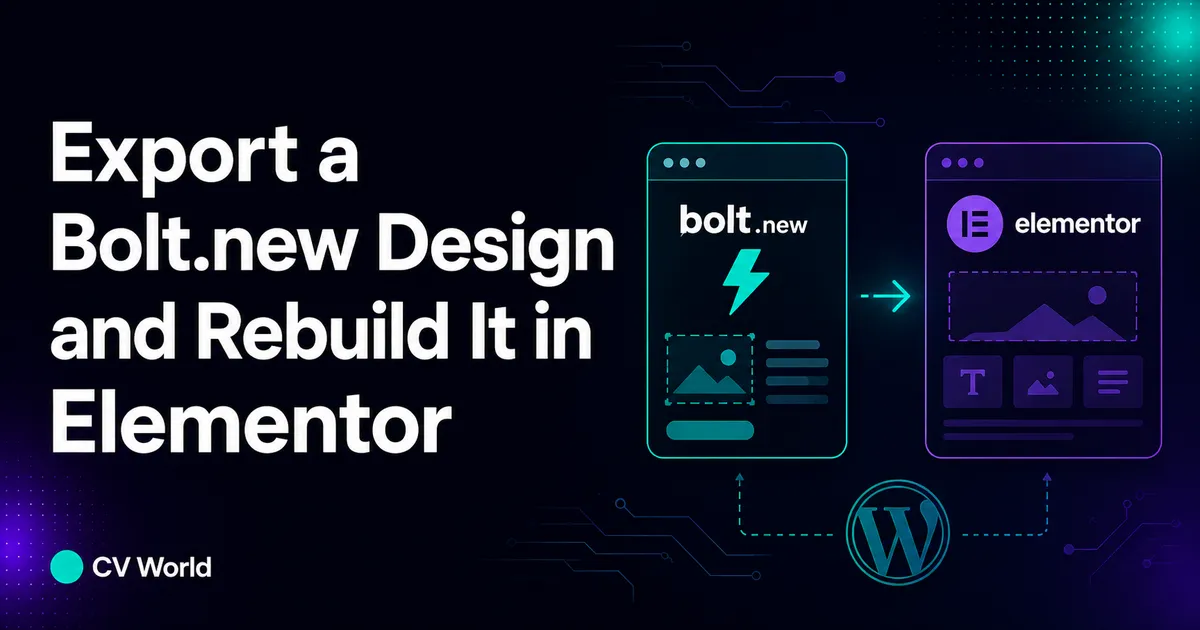
To export a Bolt.new design and rebuild it in WordPress with Elementor Pro: (1) inspect the generated Vite/React code in Bolt.new and catalog all CSS tokens (HEX colors, typography scales, spacing units), (2) extract vector SVGs and convert raster images to modern WebP format, (3) configure the Hello Elementor theme with matching Global Fonts and Colors in Site Settings, (4) rebuild each section with nested Flexbox and CSS Grid containers to match the original layout, and (5) configure client-side form validation and Core Web Vitals caching to achieve sub-second load times.
Key Takeaways
- Bolt.new creates client-side React and Tailwind prototypes that lack CMS editorial controls and native SEO architecture.
- Rebuilding in Elementor Pro preserves 100% design fidelity while enabling non-technical marketing teams to manage content freely.
- Mapping Tailwind CSS spacing and flex properties directly to Elementor Flexbox containers eliminates DOM bloat.
- Replacing custom React API form states with Elementor Pro Form actions connects leads directly to CRM and Webhooks.
- Self-hosting on WordPress eliminates recurring AI developer token costs and proprietary cloud runtime dependencies.
The Architectural Gap: In-Browser AI Artifacts vs Scalable WordPress CMS
Bolt.new has emerged as a groundbreaking AI-powered development sandbox, allowing founders and developers to prompt entire full-stack web applications into existence within an in-browser WebContainer. However, turning a Bolt.new prototype into a commercial, search-optimized business asset reveals critical architectural limitations. Bolt.new compiles modern React components, Vite bundles, and Tailwind CSS utility classes, but it does not provide an intuitive non-technical blogging CMS, visual page builder, or native SEO plugin ecosystem.
For marketing teams, business owners, and agency clients, operating a live corporate website on raw React code requires continuous software engineering intervention for simple copy changes, blog publishing, or promotional landing page launches. By exporting the design tokens from Bolt.new and faithfully reconstructing the interface in WordPress with Elementor Pro, you achieve the best of both worlds: cutting-edge AI-inspired UI design combined with an open-source, scalable CMS that anyone on your team can edit.
Step-by-Step Engineering Process: Rebuilding Bolt.new in Elementor Pro
Step 1: Inspecting the Bolt.new Codebase & Extracting Design Tokens
Before launching WordPress, open the file explorer within your Bolt.new environment. Navigate to tailwind.config.js or the root src/index.css file. Systematically extract the core design tokens:
- Color Palette: Document primary brand HEX codes, secondary accents, neutral slate/gray background shades, and border colors.
- Typography Scales: Identify the font families loaded (commonly Inter, Geist, or Roboto) and font-size scales from
text-xsthroughtext-5xl. - Container Widths: Note the maximum wrapper widths (such as
max-w-7xlat 1280px ormax-w-6xlat 1152px) and default column gap intervals.
Step 2: Configuring Elementor Pro Global Site Settings
Install the ultra-lightweight Hello Elementor theme on your WordPress installation. Navigate to Elementor → Site Settings to establish global variables that match your Bolt.new source tokens:
- Global Colors: Assign Primary, Secondary, Text, and Accent colors so every rebuilt widget synchronizes automatically.
- Global Fonts: Set body copy font family, base line-height (1.6 to 1.7), and headline font weights matching the Bolt.new design.
- Layout Settings: Set the Default Container Width to match your Bolt.new wrapper (e.g., 1200px or 1280px) and default padding intervals.
Step 3: Translating Tailwind CSS into Elementor Flexbox Containers
Modern Elementor Pro uses native CSS Flexbox and CSS Grid containers. This allows you to translate Tailwind flex utility classes directly into Elementor container controls:
| Bolt.new Tailwind Class | Elementor Pro Container Setting | Layout Result |
|---|---|---|
flex flex-col md:flex-row |
Direction: Row (Desktop) → Column (Mobile) | Horizontal layout on desktop, stacked on mobile |
justify-between items-center |
Justify: Space Between | Align: Center | Even distribution with centered vertical axis |
grid grid-cols-1 md:grid-cols-3 gap-6 |
Grid Container: 3 Columns, 24px Gap | Clean 3-column responsive card feature grid |
rounded-2xl border border-white/10 |
Border Radius: 16px | Border: 1px Solid rgba | Glassmorphic card surface with subtle outline |
Step 4: Rebuilding Interactive Elements & Lead Forms
Bolt.new prototypes often feature mockup contact forms or CTA modals using local React useState hooks. In Elementor Pro, replace these with the native Elementor Form Widget. You gain instant access to server-side email notifications, Google reCAPTCHA v3 spam filtering, webhook integrations to Zapier or Make, and automatic storage of customer entries inside your WordPress database without writing backend API controllers.
Step 5: Optimizing Performance for 95+ Core Web Vitals
While React single-page applications often suffer from high initial bundle sizes that damage Largest Contentful Paint (LCP) and Interaction to Next Paint (INP), a clean WordPress Elementor build delivers near-instant rendering when paired with LiteSpeed Cache or WP Rocket. Compress all exported graphic assets into next-generation WebP formats, enable SVG sanitizer plugins for icons, and leverage browser caching to achieve sub-1-second performance.
Frequently Asked Questions
Ready to Build Professional Websites Faster?
Supercharge your WordPress design workflow with 100+ premium widgets, theme builder capabilities, and dynamic WooCommerce templates.
No. Bolt.new generates client-side React and Node application code, not WordPress PHP theme files or Elementor template JSON. Assets, typography, and layout rules must be extracted and rebuilt within Elementor Pro.
Yes. By utilizing Elementor Pro Flexbox and CSS Grid containers with matching CSS spacing, border radii, and color tokens, our developers achieve 100% pixel-perfect fidelity matching the source design.
WordPress gives you total data ownership, zero platform lock-in, native SEO ranking power with Rank Math, custom schema markup, an integrated blog, and a drag-and-drop editor that non-developers can manage easily.
A single landing page typically takes 24 to 48 hours. A multi-page corporate site with custom forms and blog archive templates takes 3 to 5 business days.
Yes. CV World provides white-glove conversion services from Bolt.new to WordPress Elementor Pro, delivering clean code, 90+ Core Web Vitals scores, responsive mobile styling, and free post-launch support.