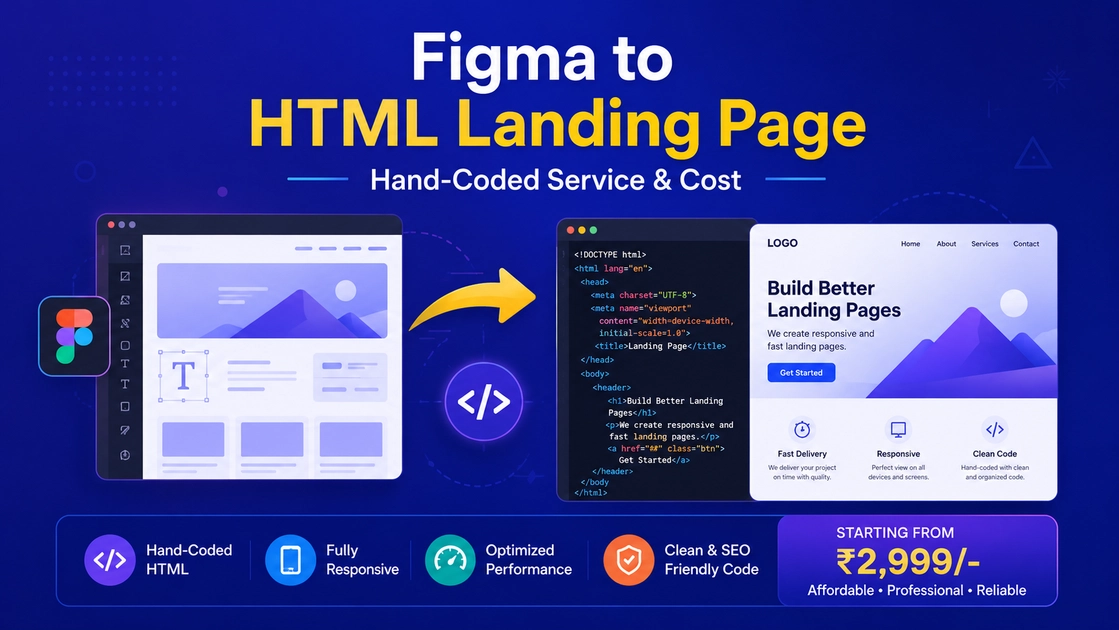
A Figma to HTML landing page built by hand loads faster, ranks better, and converts more than any auto-exported page. If you need a lightweight, pixel-perfect page without a heavy CMS, hand-coded HTML/CSS is the way. Here’s our process and pricing.
Why hand-coded HTML?
- Blazing fast — no page-builder bloat, perfect Core Web Vitals.
- Pixel-perfect — an exact match of your Figma design.
- Cheap to host — runs anywhere, even free static hosts.
- Clean, semantic markup — great for SEO.
Our Figma to HTML process
1. Review the design
Breakpoints, fonts, and assets are mapped.
2. Code the structure
Semantic HTML5 with responsive CSS (Flexbox/Grid).
3. Add interactions
Smooth scroll, hovers, and a working contact/lead form.
4. Optimise & deliver
Minified assets, compressed images, and a speed test.
How much does it cost?
| Page | From |
|---|---|
| Simple landing page | $29 |
| Long-form / animated | $79 |
Auto-tools vs hand-coded
Tools like Anima export quickly but ship bloated code. A hand-built Figma to HTML landing page stays lean and fast.
FAQ
Do you include a contact form?
Yes — a working form with email or WhatsApp delivery.
Can you convert it to WordPress later?
Yes, easily.
Get a free landing page quote
Contact CVWorld or WhatsApp us with your Figma link. See our landing page service.