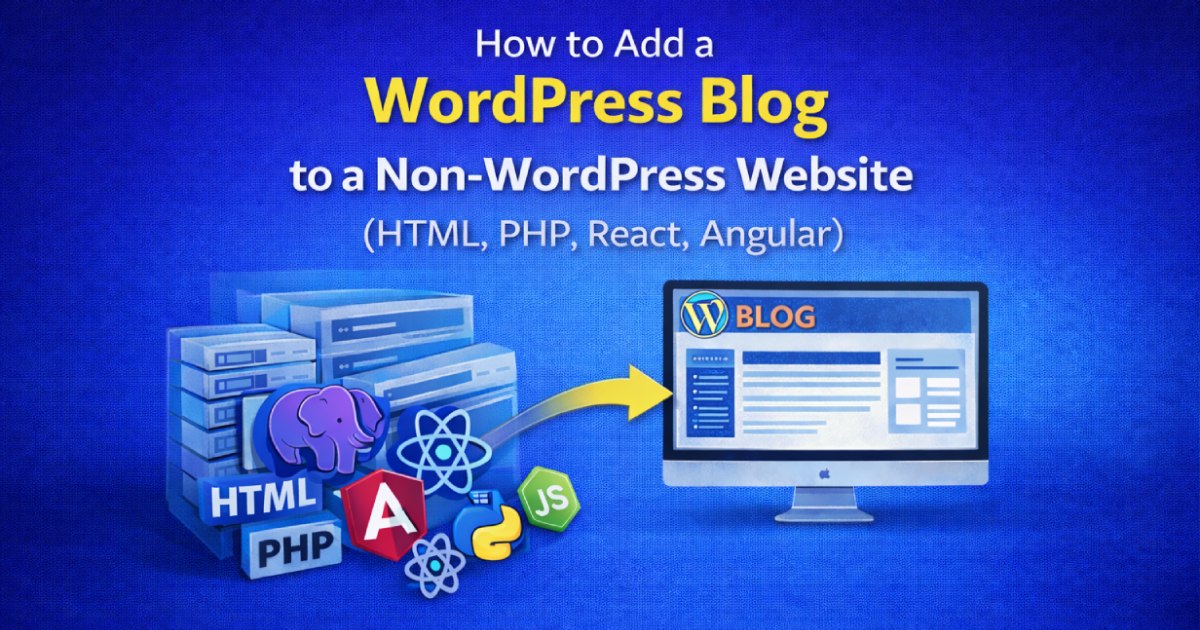
Many business owners and developers have this common question:
“Our website is not built with WordPress. Can we still use WordPress for blogging?” (How to Add a WordPress Blog to a Non-WordPress Website)
The answer is YES — and it’s actually a smart SEO decision.
You do not need to convert your entire website to WordPress.
You can keep your existing website (HTML, PHP, React, Angular, etc.) and add only the blog section using WordPress.
This approach is widely used by high-performing websites for better SEO and content management.
Let’s see how to do it step by step.
Why Use WordPress Only for Blogs?
Even if your main website is custom-built, WordPress offers unmatched advantages for blogging:
- Powerful SEO plugins (Yoast, RankMath, Schema)
- Easy content publishing for non-technical users
- Better URL structure and indexing
- AEO & GEO friendly content setup
- Faster ranking potential on Google
That’s why many businesses follow this structure:
- Main Website → Custom tech (HTML / React / Angular)
- Blog Section → WordPress
Step 1: Decide the Blog URL (Slug)
First, decide where your blog should live.
Examples:
domainname.com/blogdomainname.com/blogs
If you want:
domainname.com/blog→ create a folder named blogdomainname.com/blogs→ create a folder named blogs
Create this folder inside your root directory.
Important Note:
If your existing website already has a page using the same slug (/blog or /blogs), it will not work.
You must:
- Rename that page, or
- Remove it if not required
Step 2: Install WordPress Inside That Folder
Once the folder is created, install WordPress inside that folder, not in the root.
Example structure:
public_html/
 ├── index.html
 ├── about.html
 ├── services.html
 ├── blog/   ← WordPress installed here
Now your WordPress blog will be accessible at:domainname.com/blog
Step 3: Match the Blog Design with Your Existing Website
This is a critical step.
Your WordPress blog should visually match your main website:
- Header layout
- Footer design
- Fonts
- Colors
- Buttons
- Spacing and style
When done correctly:
- Visitors won’t feel it’s a different platform
- Both website and blog feel like one single brand
Step 4: Connect Menus Using Custom Links
In the WordPress menu:
- Add custom links for Home, About, Services, Contact
- Link them to your main website pages
This creates smooth navigation:
- Main website → Blog
- Blog → Main website
No confusion for users, no SEO issues.
Step 5: Design Blog Pages Properly
Inside WordPress, you can fully customize:
- Blog listing page
- Single blog post page
- Category and archive pages
Design them based on:
- SEO best practices
- Mobile responsiveness
- Fast loading
- Clean content structure
This helps Google understand your content better and improves rankings.
Step 6: Add Blog Menu in the Main Website
Finally, update your main website’s navigation menu:
- Add “Blog”
- Link it to
domainname.com/blog
That’s it.
Your custom website is now powered by WordPress SEO blogging
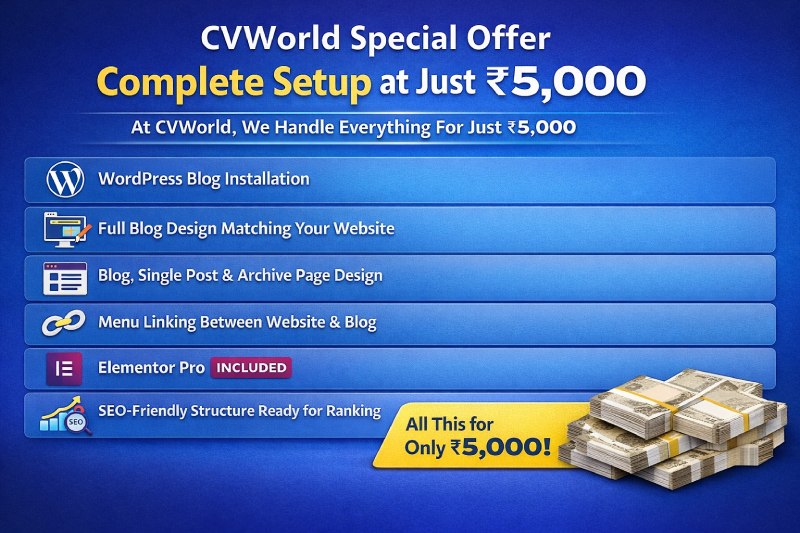
CVWorld Special Offer – Complete Setup at Just ₹5,000
At CVWorld, we handle this entire process for just ₹5,000.
What’s Included:
- WordPress blog installation
- Full blog design matching your website
- Blog, single post & archive page design
- Menu linking between website & blog
- Elementor Pro INCLUDED
- SEO-friendly structure ready for ranking
The cost is less than buying Elementor Pro alone,
but you get a complete professional WordPress blog setup.
Final Thoughts
No matter what technology your website uses:
- HTML
- PHP
- React
- Angular
Adding a WordPress blog is one of the best SEO decisions you can make.
- Better rankings
- Easier content management
- Future-proof SEO growth
Contact CVWorld today and turn your website into a powerful SEO machine.
FAQs – Adding a WordPress Blog to a Non-WordPress Website
Can I add a WordPress blog to a non-WordPress website?
Yes. You can install WordPress in a subfolder (like /blog) and use it only for blogging, while keeping your main website in HTML, PHP, React, or Angular.
Is WordPress good for blogging SEO?
Yes. WordPress is one of the best platforms for blogging SEO because it supports SEO plugins, clean URLs, schema markup, and easy content optimization for Google.
Do I need to convert my entire website to WordPress?
No. You can keep your existing website as it is and add only the blog section using WordPress. This is a common and SEO-friendly approach.
Which URL structure is best for a WordPress blog?
The best practice is to use a subfolder like:
yourdomain.com/blog
This helps SEO and keeps your website structure clean and Google-friendly.
Will having WordPress and non-WordPress pages affect SEO?
No. As long as both are under the same domain and properly linked, Google treats them as one website. In fact, WordPress blogs often improve overall SEO performance.
Can I match the WordPress blog design with my existing website?
Yes. The WordPress blog can be designed to perfectly match your website’s header, footer, fonts, colors, and layout so users feel it’s the same site.
Can I link my main website pages inside the WordPress blog?
Yes. You can add custom links in WordPress menus to connect Home, About, Services, and Contact pages from your main website.
Is WordPress suitable for React or Angular websites?
Yes. Many React and Angular websites use WordPress only for blogging because it handles content and SEO better than most custom setups.
Will this setup improve Google rankings?
Yes. Regular blog content published via WordPress improves keyword targeting, internal linking, and indexing, which can boost search rankings over time.
Can I manage the blog content without technical knowledge?
Yes. WordPress has a user-friendly dashboard, so you can add and edit blog posts easily without coding knowledge.
Does CVWorld provide this setup service?
Yes. CVWorld offers complete WordPress blog setup for non-WordPress websites, including design matching, SEO-friendly structure, and Elementor Pro.